Evaluating the Vintage Retro Style Editable Text Effect for Modern Design Workflows
In the rapidly evolving landscape of graphic design, the tension between modern minimalism and nostalgic aesthetics creates a unique challenge for creators. Many designers find themselves seeking tools that bridge this gap, allowing them to inject character into their work without sacrificing efficiency. The Vintage Retro Style Editable Text Effect represents a specific category of resource designed to address this need within Adobe Illustrator. Unlike static raster images or complex layer structures that require manual reconstruction for every new project, this type of asset offers a pre-built stylistic framework that remains fully dynamic. Understanding the utility, limitations, and ideal application scenarios for such a tool is essential for professionals evaluating whether it fits their current workflow.
Defining the Asset: Structure and Functionality
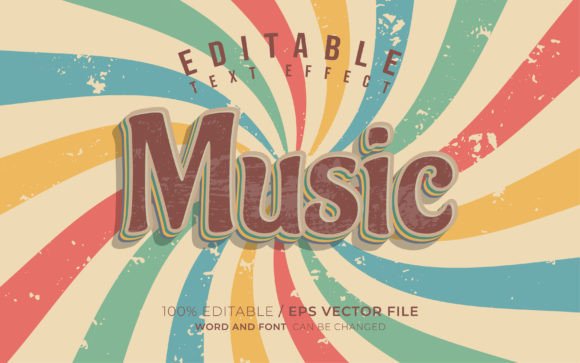
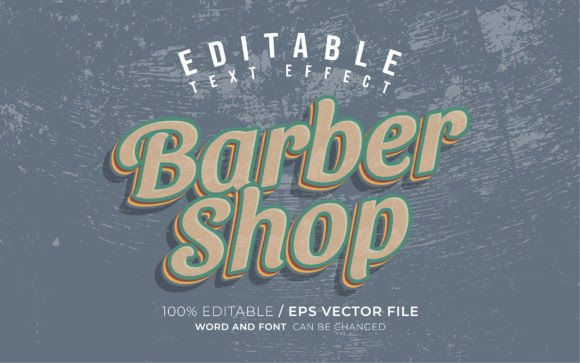
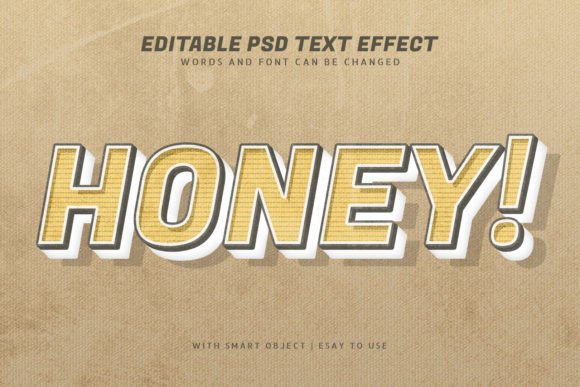
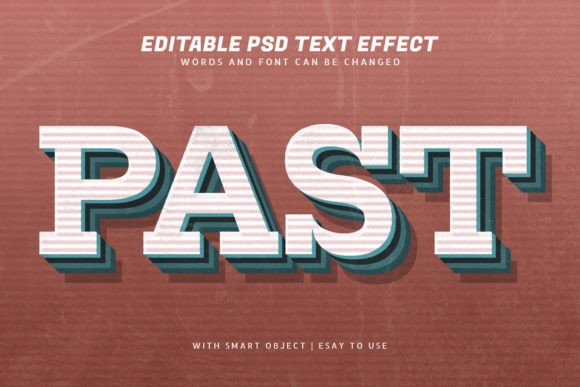
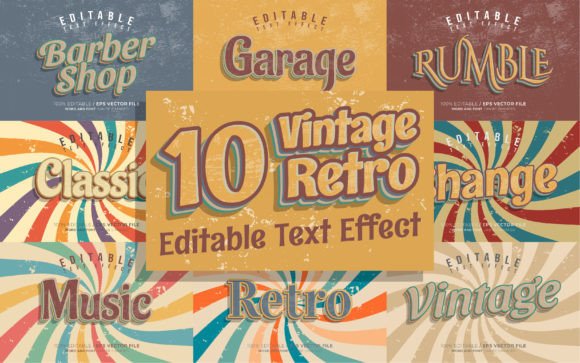
At its core, a vintage retro text effect for Illustrator is a vector-based template engineered to apply aged, textured, or stylized appearances to typography instantly. The specific iteration discussed here is built as an EPS file, a format renowned for its compatibility and reliability across different versions of vector software. What distinguishes this particular resource from generic texture overlays is its emphasis on editability. Many retro effects found online are flattened raster images; once applied, the text cannot be changed without starting over. In contrast, this effect utilizes Illustrator's appearance panel and graphic styles to maintain live, editable text.
The technical foundation relies on the RGB color mode, which is a critical detail for potential users. While CMYK is the standard for traditional offset printing, RGB is the native language of digital displays. This makes the asset particularly potent for social media promotions on platforms like Instagram, Twitter, and Facebook, where color vibrancy and screen optimization are paramount. However, designers intending to use this for high-end physical print runs, such as glossy magazines or large-format posters, must evaluate whether the RGB gamut aligns with their printer's requirements or if a conversion strategy is necessary.
Comparison with Alternative Approaches
When deciding whether to utilize a pre-made editable text effect, it is helpful to compare it against other common methods designers employ to achieve a retro look.
- Manual Creation: Building a retro effect from scratch involves layering gradients, adding noise filters, applying distress textures, and adjusting blending modes manually. While this offers total creative control, it is time-consuming. A pre-made Vintage Retro Style Editable Text Effect reduces a process that might take thirty minutes to a few seconds, allowing the designer to focus on layout and composition rather than texture generation.
- Raster Overlays: Another common method is placing a JPG texture over standard text and using blending modes like "Multiply" or "Overlay." The downside here is scalability and editability. If the client requests a copy change, the entire composition may need re-exporting. The vector-based EPS approach ensures that the text remains crisp at any size and can be rewritten instantly without losing the effect's integrity.
- Plugin Filters: Various third-party plugins exist that automate filter application. These can be powerful but often come with a steep learning curve or a high price tag. A dedicated text effect file serves as a lightweight alternative that requires no additional software installation, relying solely on native Illustrator functionality.
Practical Applications and Use Cases
The versatility of this tool extends across various media formats, though its effectiveness varies depending on the context. For social media promotions, the immediate visual impact of retro styling can significantly increase engagement. Platforms like Instagram favor bold, distinctive typography that stands out in a crowded feed. The ability to swap fonts easily means a brand can maintain a consistent "vibe" while testing different messaging strategies.
In the realm of publication promotions, such as flyers, event papers, and magazine headers, the aesthetic appeal of vintage design often conveys authenticity and craftsmanship. Events related to music, craft beverages, or artisanal markets frequently leverage these styles to signal a connection to tradition or underground culture. Because the effect is compatible with 100% of editable text and supports a wide range of fonts (including the 100 free fonts often associated with such bundles), it adapts well to diverse typographic voices.
However, the suitability of the effect depends on the specific font choice. While the asset is designed to look good on "any type of font," heavy display typefaces generally yield better results with distressed retro effects than thin, delicate serifs. The texture and wear inherent in vintage styles can sometimes obscure fine details in lighter weights, a tradeoff designers must consider during the selection process.
Evaluating Strengths and Limitations
To make an informed decision, one must weigh the tangible benefits against potential constraints.
Strengths:
- Efficiency: The primary advantage is speed. The capacity to customize and edit text instantly allows for rapid iteration during the brainstorming phase.
- Scalability: As a vector EPS file, the graphics remain sharp regardless of scaling, making them suitable for both small web icons and large event banners.
- Accessibility: The inclusion of JPG previews and the use of standard RGB colors make the files accessible even to those with limited vector editing experience, as the heavy lifting is already done within the file structure.
Limitations and Tradeoffs:
- Color Mode Constraints: The exclusive use of RGB may require additional steps for professional four-color printing. Designers working strictly in print environments may need to convert colors carefully to avoid shifts in hue.
- Stylistic Specificity: While "retro" is a broad term, any pre-made effect carries a specific interpretation of that style. If a project requires a highly nuanced, custom-aged look that deviates from the template's preset distress patterns, manual adjustment will still be required.
- Font Dependency: Although the effect works with many fonts, achieving the exact look shown in promotional materials often requires the specific free fonts used by the creator. Sourcing and installing these additional assets adds a minor step to the setup process.
Decision Factors for the Modern Designer
Choosing to integrate a Vintage Retro Style Editable Text Effect into your toolkit should depend on your specific project demands and workflow preferences. If you frequently produce content for digital channels where turnaround time is critical, the value proposition is high. The ability to generate consistent, high-quality typographic treatments without rebuilding the wheel for every post is a significant productivity booster.
Conversely, if your work primarily involves bespoke branding projects where every element must be unique and tailored to specific print specifications, this tool might serve better as a starting point for inspiration rather than a final solution. It excels in scenarios where the "feel" of the design is more important than absolute pixel-perfect customization of the texture itself.
Furthermore, the format of the deliverable matters. Receiving both EPS and JPG files provides flexibility. The EPS allows for deep editing within Illustrator, while the JPG offers a quick way to share proofs with clients or upload directly to platforms that do not support vector uploads. This dual-format approach acknowledges the hybrid nature of modern design work, which often spans both digital and physical realms.
Final Considerations on Utility
Ultimately, resources like this are about balancing creative ambition with practical constraints. They democratize high-level stylistic effects, making them available to designers who may not have hours to spend crafting custom textures. When evaluating such a product, consider the frequency with which you need retro aesthetics. If it is a recurring theme in your portfolio or your client's brand identity, the investment in a reliable, editable system pays dividends in time saved.
For those exploring alternatives, remember that the goal is not just to apply a filter, but to enhance communication. A vintage effect should serve the message, not overpower it. By selecting a tool that remains fully editable, you retain the agency to tweak kerning, leading, and font weight to ensure readability is never compromised by style. Whether used for a Twitter header, a concert flyer, or a magazine spread, the true value lies in the seamless integration of nostalgia with modern editing capabilities.